AI video model
Use Wan 2.5 inside a complete creative workflow.
Best value — start/end frame specialist. TrueCut places the model alongside camera presets, references, characters, cost estimates, generation history, and editing tools so you can choose it for the shots where its capabilities fit best.
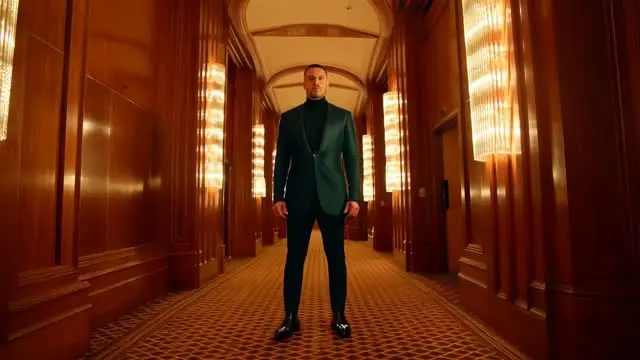
Why TrueCut
Creative controls that explain what will happen before you render.
Supported duration
Generate clips up to 10 seconds per shot with the current TrueCut catalog configuration.
Resolution options
Available output settings: 480p, 720p, 1080p.
Workflow compatibility
Supports start and end frame guidance. Character identity controls are not exposed for this model.
How it works
A production workflow you can inspect and revise.
- Step 1
Match the shot
Choose the model based on motion, realism, duration, reference, audio, and resolution requirements.
- Step 2
Estimate the cost
The catalog rate starts at 4 credits per second before resolution multipliers.
- Step 3
Generate and compare
Keep the prompt and references fixed when comparing this model with an alternative.
Built for real work
Use cases
- Best value — start/end frame specialist
- Text-to-video
- First and last frame control
- Directed generation
Continue exploring
Related TrueCut workflows
Make the shot. Keep the vision.
Move from prompt to directed generation with camera, character, reference, model, and workflow controls in one studio.
Generate with Wan 2.5