AI image studio
Build the image, the look, and the visual system.
TrueCut turns image generation into an art-directed workflow. Combine a detailed scene brief with visual references, reusable identities, style strength, and output controls for images that belong to the same world.
Why TrueCut
Creative controls that explain what will happen before you render.
Reusable identities
Bring the same character into new scenes, compositions, outfits, and campaigns.
Reference-led art direction
Guide composition, styling, subject, and visual tone with selected reference images.
Distinctive looks
Control style strength across cinematic, editorial, analog, neon, and custom directions.
Prompt direction
Start with a shot brief, not a keyword pile.
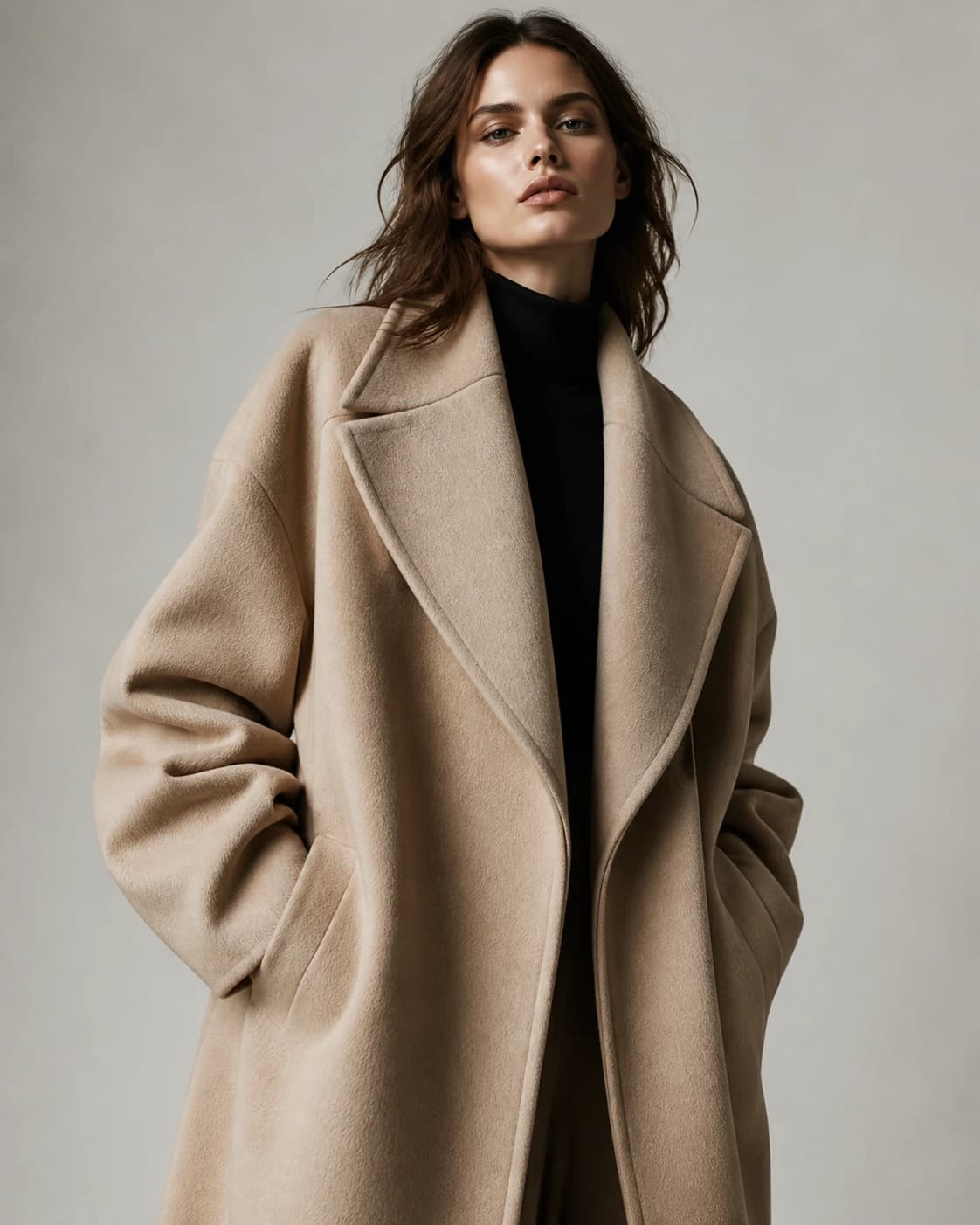
“Editorial portrait of a sculptor in a limestone workshop, oversized camel coat, soft north-window light, muted mineral palette, medium-format film texture, restrained luxury campaign.”
How it works
A production workflow you can inspect and revise.
- Step 1
Describe the frame
Define the subject, environment, wardrobe, lighting, composition, and intended mood.
- Step 2
Add direction
Choose a model, identity, references, look, aspect ratio, and output count.
- Step 3
Build a visual series
Reuse successful images as references for a coherent body of work.
Built for real work
Use cases
- Campaign stills
- Character development
- Product photography
- Pitch decks and visual treatments
Continue exploring
Related TrueCut workflows
Make the shot. Keep the vision.
Move from prompt to directed generation with camera, character, reference, model, and workflow controls in one studio.
Create an AI image