AI post-production
From generated shot to finished sequence.
TrueCut connects generation and post-production so successful shots do not disappear into a download folder. Rework footage, arrange clips, add transitions, and finish the sequence inside one creative system.
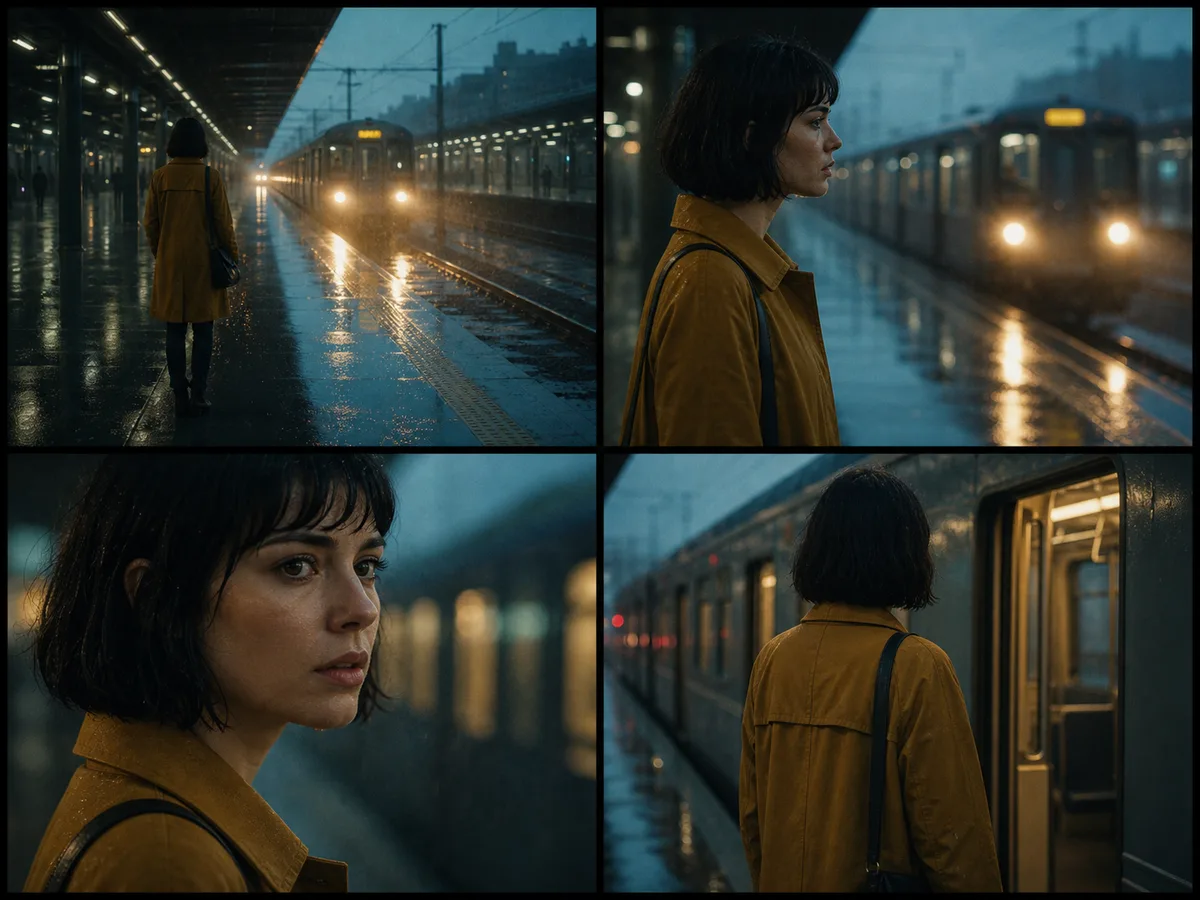
Why TrueCut
Creative controls that explain what will happen before you render.
Sequence generated shots
Bring finished clips together in a visual timeline and control their order.
Transform and refine
Restyle, extend, upscale, or regenerate only the material that needs attention.
Finish the cut
Choose transitions, add audio, and create a shareable assembled film.
How it works
A production workflow you can inspect and revise.
- Step 1
Collect the shots
Select successful generations or upload existing source footage.
- Step 2
Build the sequence
Arrange clips and define pacing, transitions, and audio direction.
- Step 3
Render the film
Assemble the timeline and preserve the individual sources for later revision.
Built for real work
Use cases
- AI short films
- Social campaigns
- Product sequences
- Storyboard animatics
Continue exploring
Related TrueCut workflows
Make the shot. Keep the vision.
Move from prompt to directed generation with camera, character, reference, model, and workflow controls in one studio.
Open the timeline