Character Lock
One character. Every frame and format.
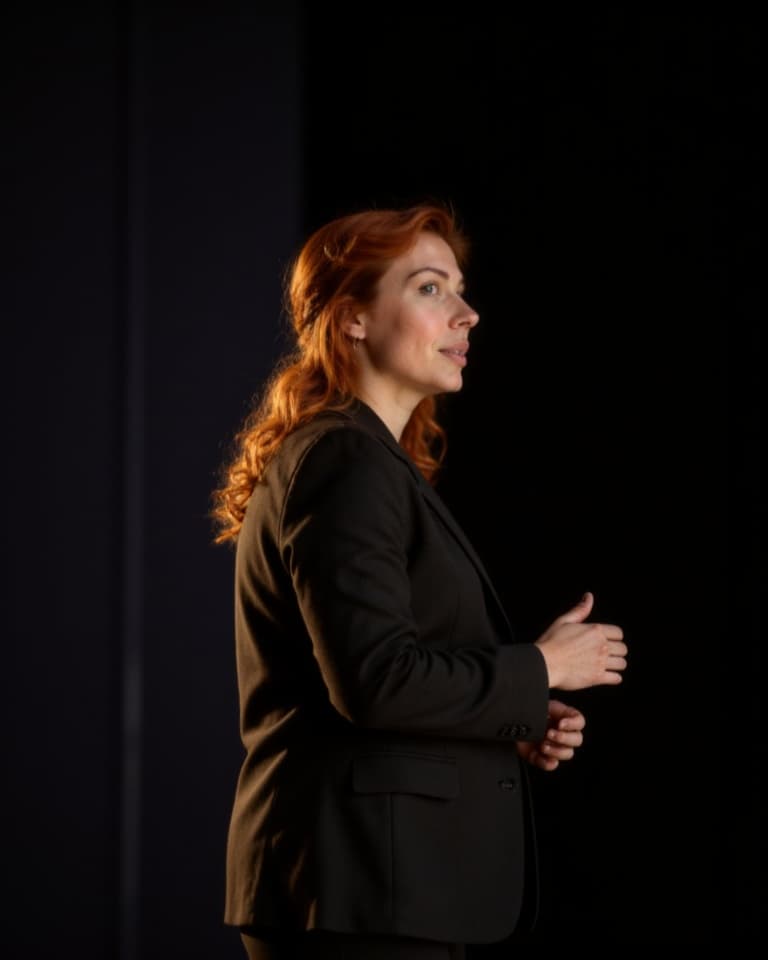
Build a reusable character from authorized reference images, then bring that identity into new settings, looks, camera angles, campaigns, storyboards, and motion while preserving what makes the person recognizable.
Why TrueCut
Creative controls that explain what will happen before you render.
Identity reference sheet
Create a reusable visual anchor from clear, authorized source images.
Cross-scene consistency
Reuse the character across locations, wardrobe, lighting, and framing changes.
Image and video workflows
Select the same identity in image generation, video, storyboard, and marketing tools.
How it works
A production workflow you can inspect and revise.
- Step 1
Add authorized references
Use clear images that represent the same consenting subject.
- Step 2
Build the identity
Create and review the reusable character reference before campaign work.
- Step 3
Direct new scenes
Select the character and control how strongly the identity should guide each result.
Built for real work
Use cases
- Narrative characters
- Virtual creators
- Brand ambassadors
- Campaign continuity
Continue exploring
Related TrueCut workflows
Make the shot. Keep the vision.
Move from prompt to directed generation with camera, character, reference, model, and workflow controls in one studio.
Create a character